
 PremiumIT PRO5 min read
Track your Copilot rollout with Copilot Dashboard
To steer adoption, the Copilot Dashboard (enabled via Viva Insights) is the best fit: track Copilot Chat and Microsoft Copilot, per app and more granularly than the native reports.
✅ How to
- 1Two levels of visibility
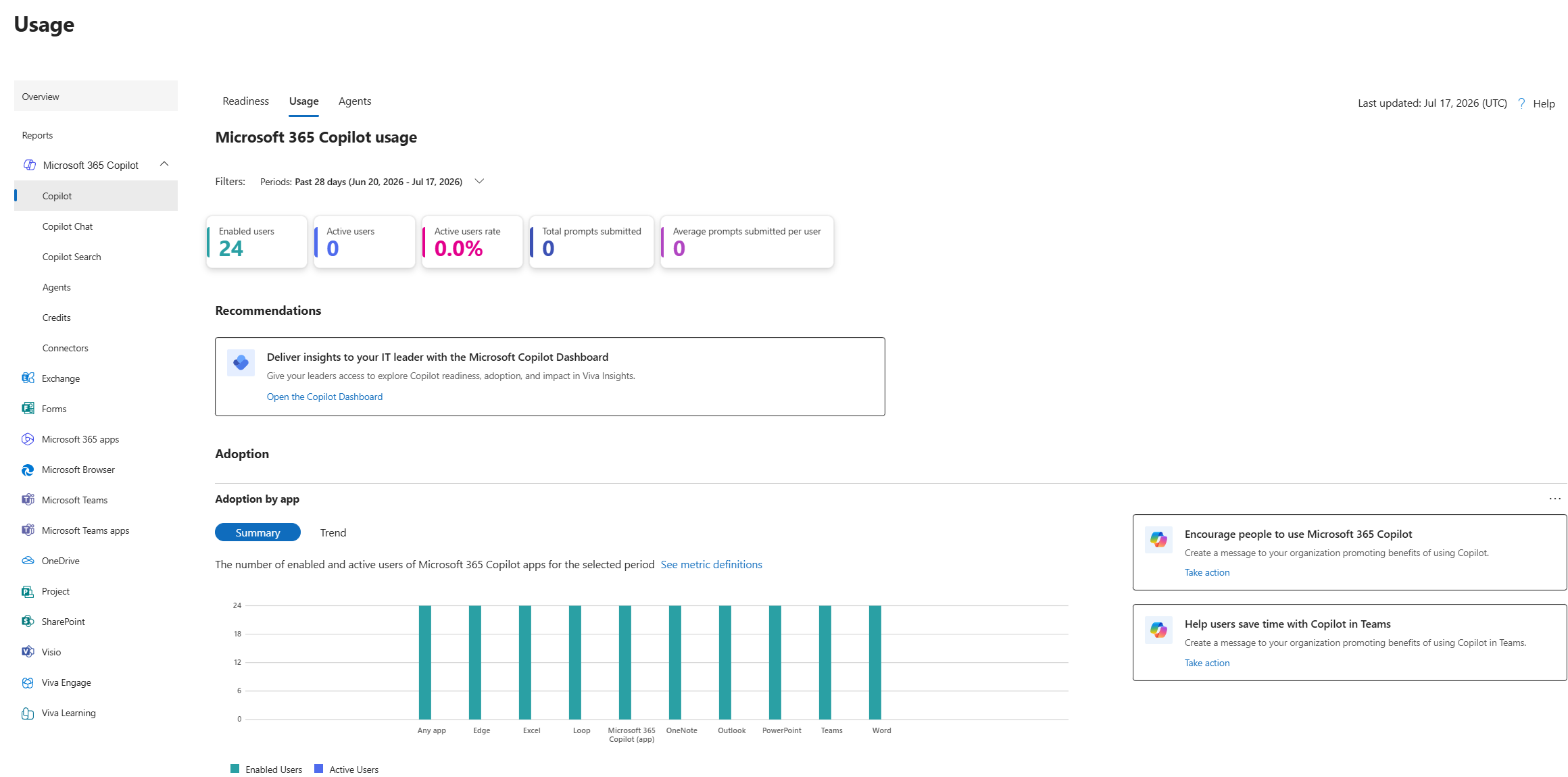
Microsoft offers several dashboards. The Microsoft 365 admin center usage report (admin.microsoft.com: Reports›Usage) gives a quick, free view of active user counts. For real adoption steering, step up to the Copilot Dashboard.
- 2The Copilot Dashboard (via Viva Insights)
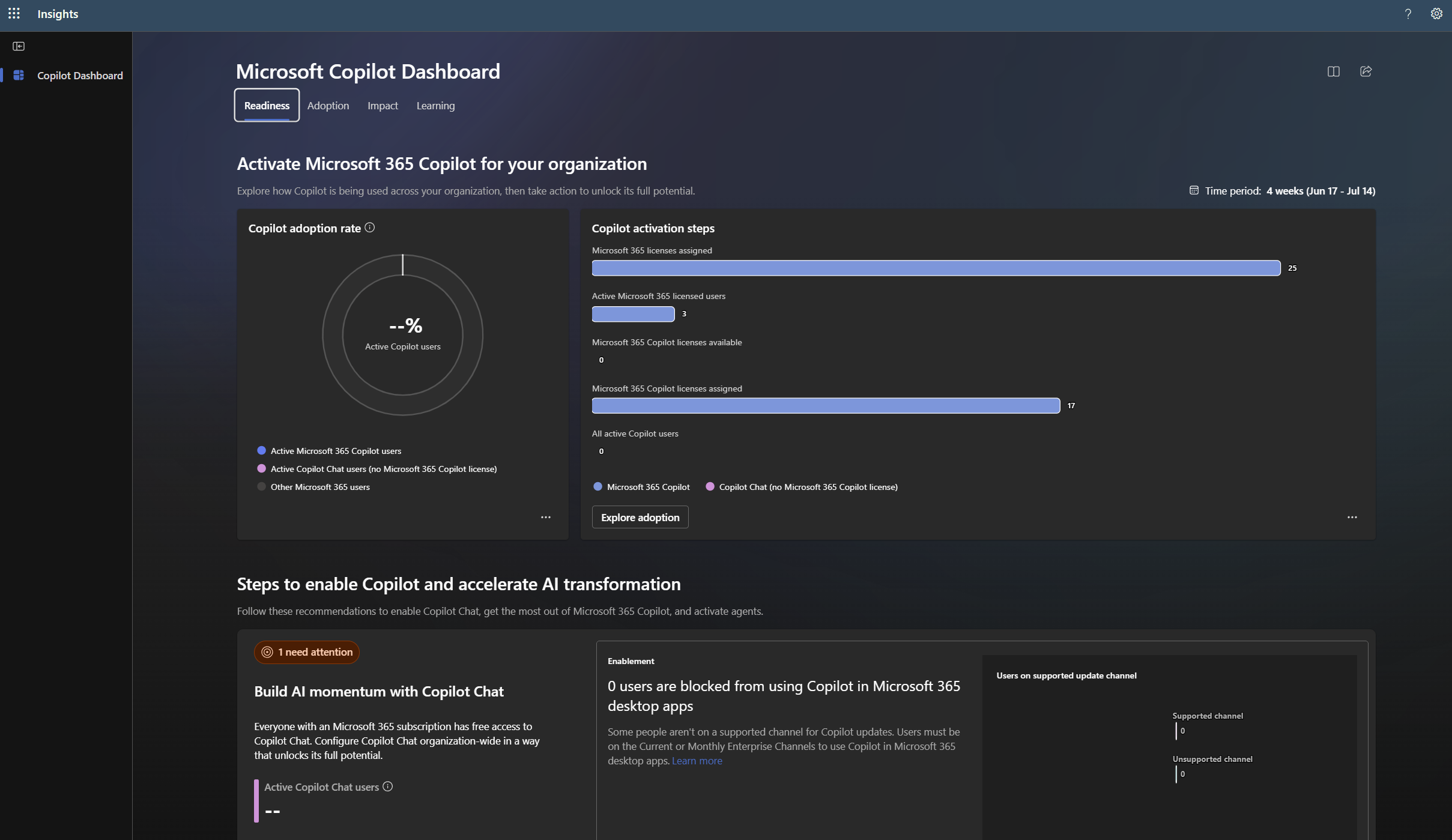
Enabled through Viva Insights, it's the best-suited tool to track adoption over time. It covers both Copilot Chat and Microsoft Copilot, with usage, retention and impact metrics (potential time saved) far richer than the native reports.
- 3Per-app tracking
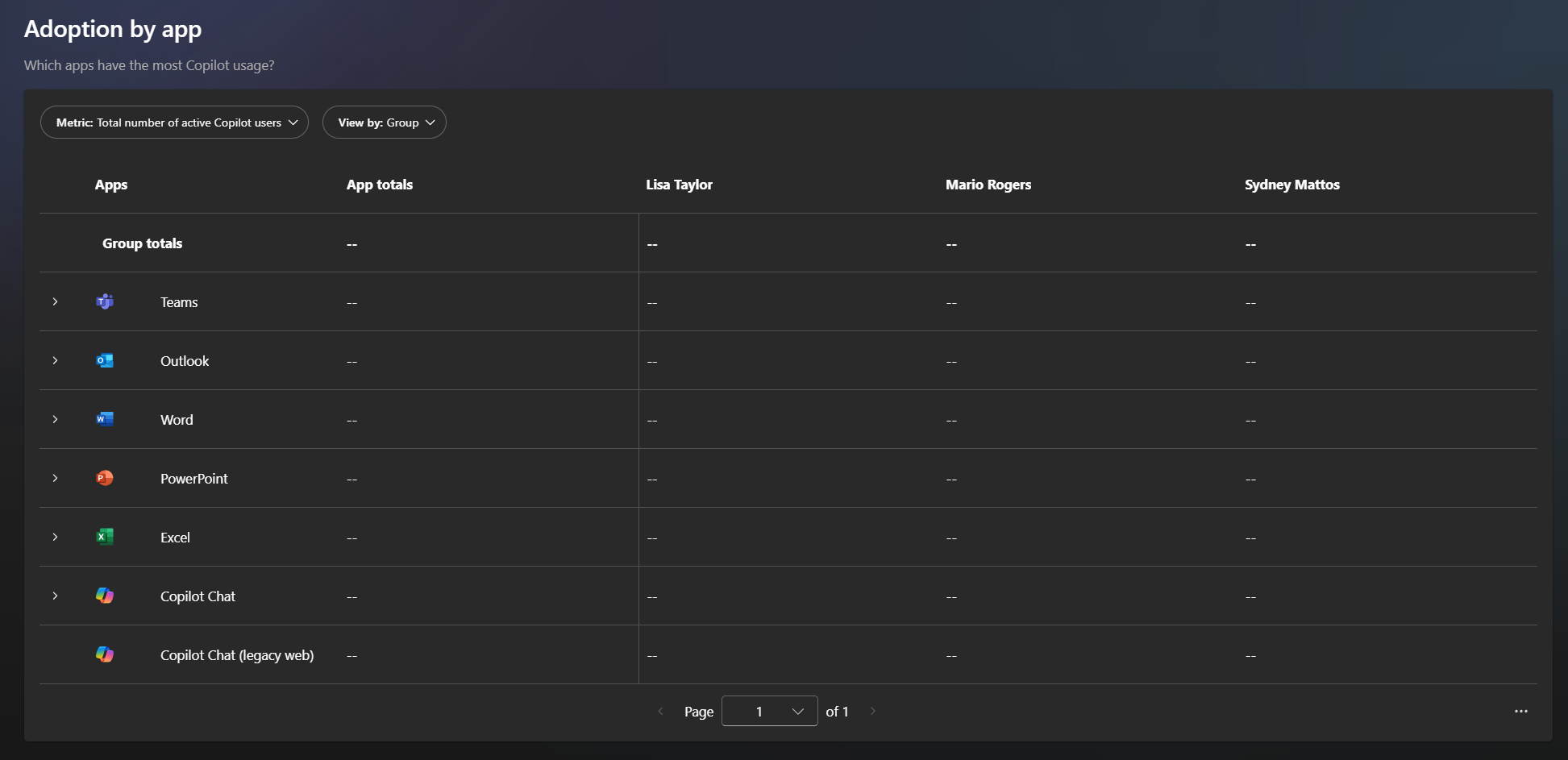
The Copilot Dashboard breaks adoption down app by app: Teams, Outlook, Word, Excel, PowerPoint… You see where Copilot is actually used, and where enablement needs a boost.
- 4More granular analysis
Segment by team, region or role, compare cohorts (active users vs inactive licensed users) and spot your champions as well as the groups to re-engage. That granularity turns plain reporting into an actionable adoption plan.
- 5Prerequisites & best practices
Prerequisites: Copilot licenses assigned and Viva Insights enabled to publish the dashboard to managers/sponsors. Review it on a regular cadence (monthly), set adoption targets per wave and cross-check the numbers with field feedback.
⚡ Prompt to copy
Help me build a Microsoft Copilot adoption tracking plan based on the Copilot Dashboard (Viva Insights). List the key metrics to follow (usage, retention, per-app adoption, time saved), suggest a useful segmentation (team, role, active/inactive cohorts) and a monthly review cadence with per-wave targets.
💬 Comments
No comments yet. Be the first!
✨ Discover more
PremiumSet up Copilot usage tracking with the Copilot Dashboard
Turn on the Copilot Dashboard “out of the box” in a few clicks from the M365 admin center, check your org chart, then move to custom reports and Power BI only if needed.
PremiumThe Frontier program: early access to Microsoft Copilot
Frontier is your door to the next Copilot features, ahead of everyone else. Here's a clear rundown of this early-access program: what it is, who it's for, how IT turns it on (with screenshots), how to spot a Frontier feature with real examples, its benefits and its caveats.
PremiumPersonalize Copilot: Custom Instructions and Memories
Copilot answers everyone the same way? Not anymore. With Custom Instructions and Memories, you teach it who you are, how you like to work and what it should remember over time. Two settings, a Copilot that feels like yours.