
 ChatEND USERIT PRO4 min read
Free resources to support your upskilling on Copilot
You don't need paid training to get started with Copilot. Here are the free official resources, one dead-simple habit to learn, and two agents that are too often overlooked.
✅ How to
- 1Start with the simplest thing: ask Copilot
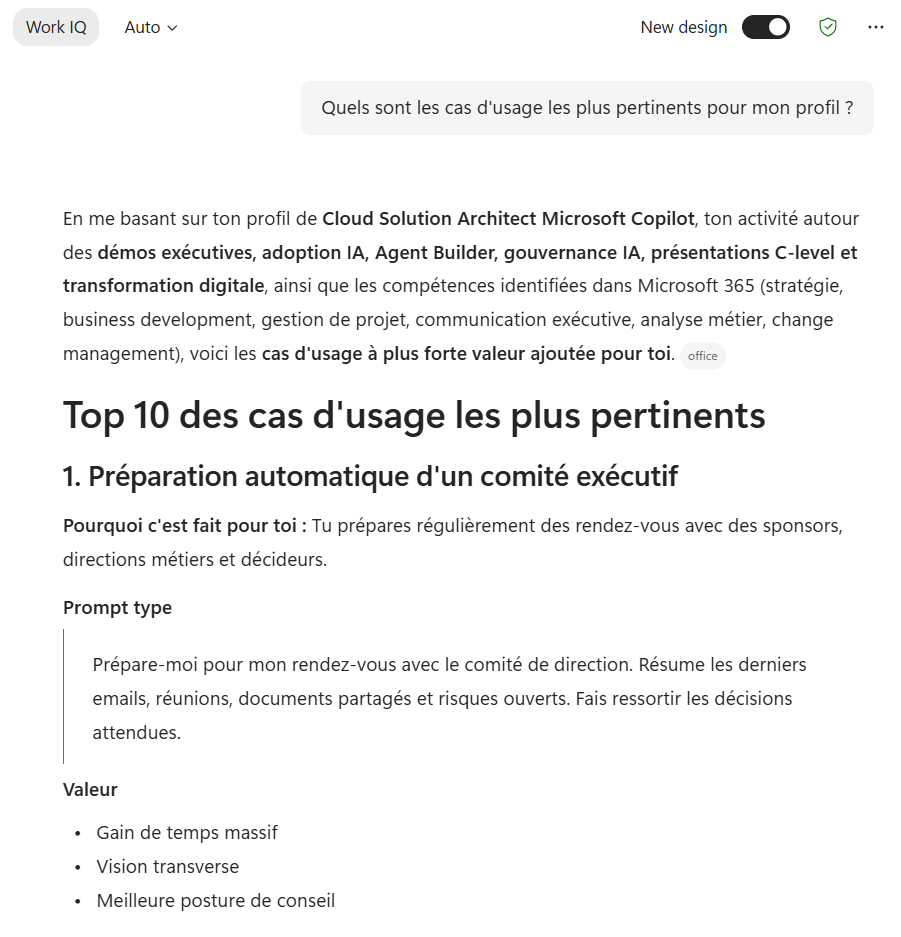
The best starting point costs nothing and it's already in front of you: Copilot knows itself pretty well. When you're new, the most useful habit is to ask it directly. Try: “What can you do for me?”, “What are your limits?”, “How can you help me in my job?”, “What are the most relevant use cases for my profile?”. In two minutes you get a personalized guided tour.
- 2Two heavily underrated agents: Prompt Coach & Idea Coach
Adoption journeys often overlook two very helpful agents. Prompt Coach helps you write and improve your prompts, perfect when you're unsure how to phrase a request. Idea Coach supports your thinking and helps structure ideas, ideal to clear up a topic or prepare a brainstorm. Try them early: they save a huge amount of time when getting started.

- 3Dig into the Scenario Library
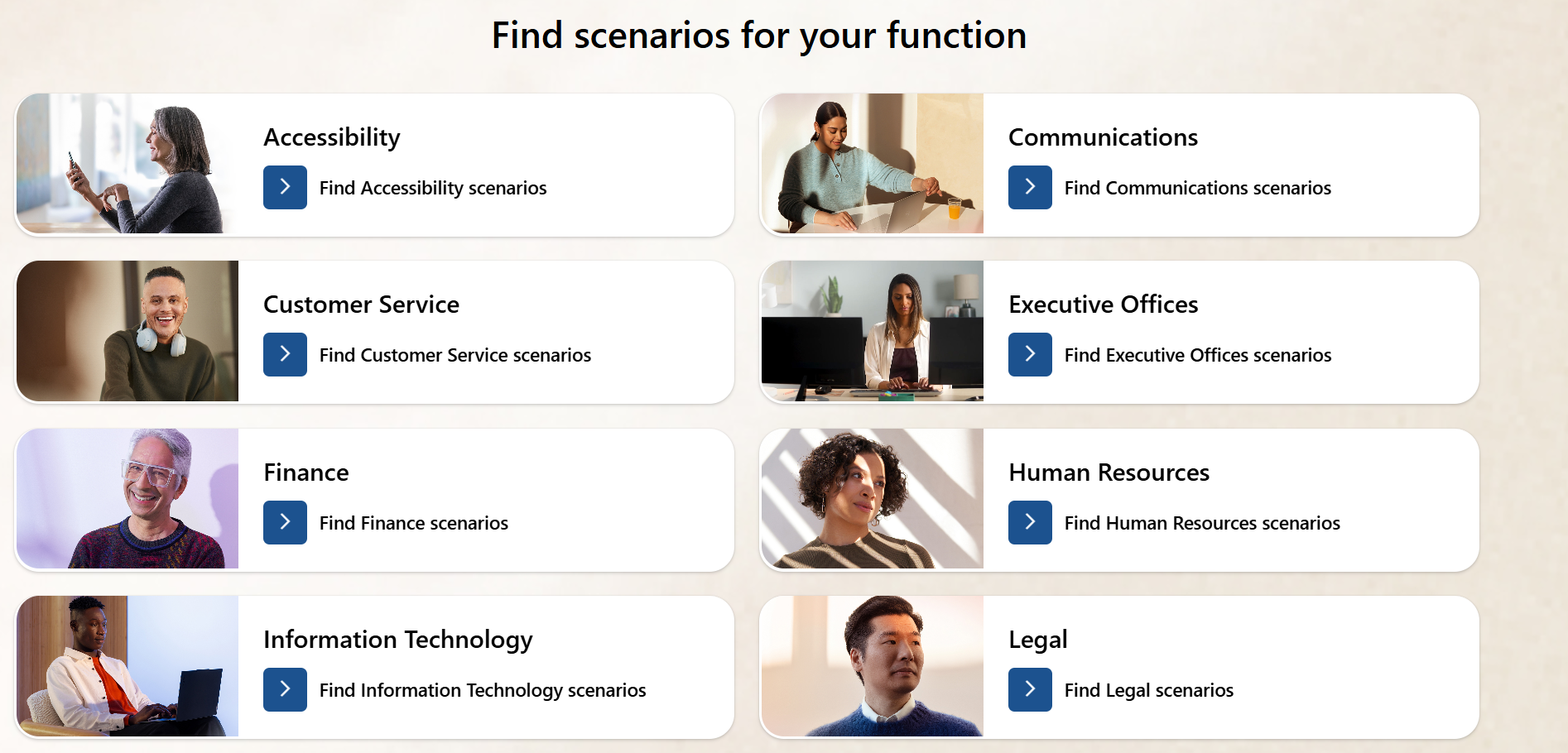
Need concrete inspiration? The Microsoft Scenario Library is packed with ready-to-use use cases, sorted by role and department. It's the best way to answer “OK, but what does it look like in MY job?”.
- 4The official Copilot adoption hub
The Microsoft Copilot Adoption portal centralizes getting-started guides, communication kits, training materials and rollout best practices. Keep it bookmarked, whether you're a curious user or in charge of adoption in your organization.
- 5Step back and look at the approach
The article “Five Ways to Implement the Great Copilot Journey” gives the big picture: how to structure a real adoption journey, beyond just handing out licenses. Useful to move past the gadget stage and make it stick.
- 6No license? Copilot Chat
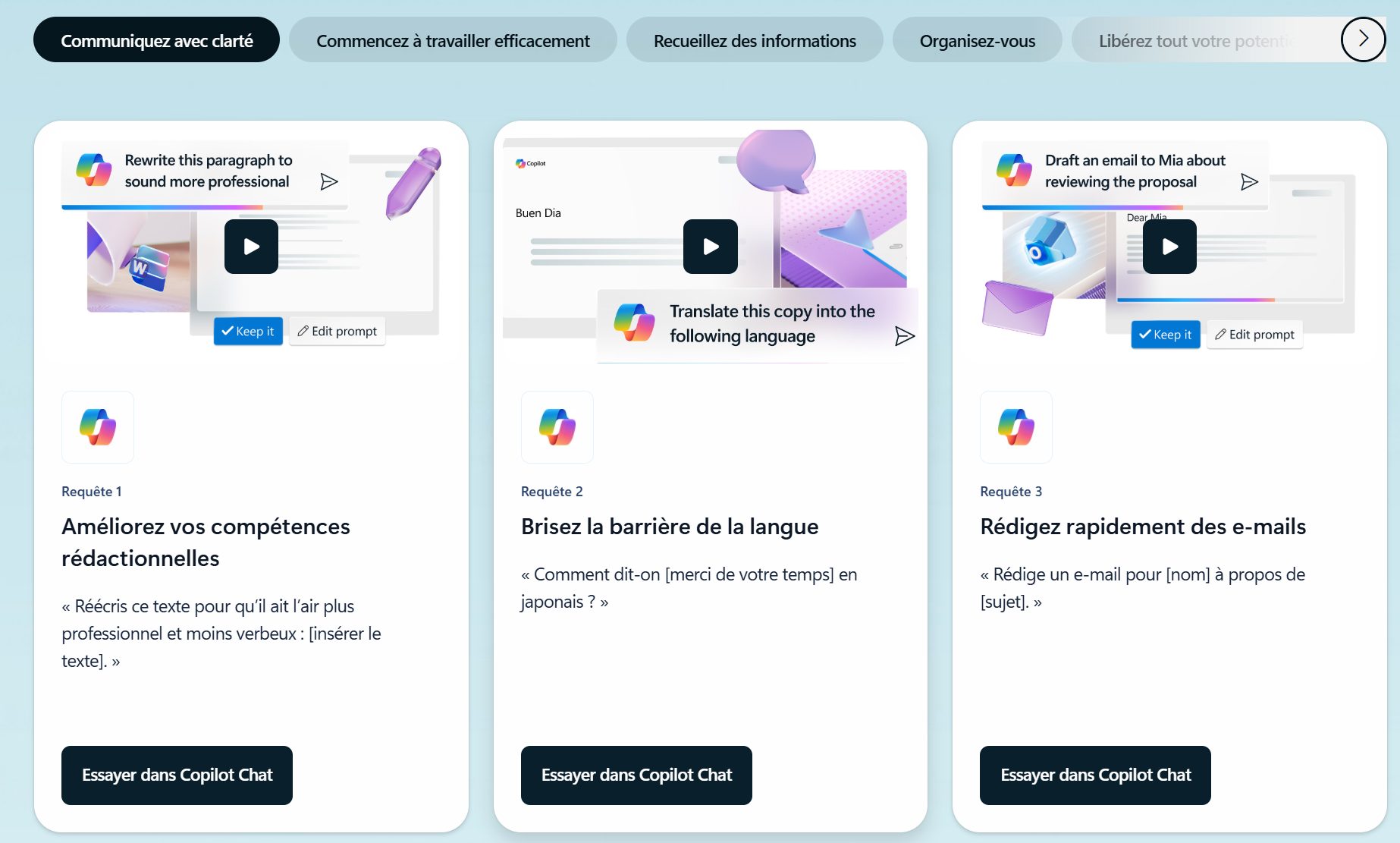
No Microsoft Copilot license? Not a blocker to get going. The “Learn Copilot Chat” page shows everything you can already do for free, today. The best way to get comfortable before going further.
Explore it here: https://www.microsoft.com/fr-fr/microsoft-365-copilot/learn-copilot-chat-today
The best beginner tip fits in one sentence: use it. Five minutes a day asking Copilot your real work questions beats a long theoretical course. And don't be afraid to get it wrong, that's how you learn to prompt well.
📚 Official sources
💬 Comments
No comments yet. Be the first!
✨ Discover more
ChatSave a prompt to reuse it in one click
Saving a prompt lets you store an instruction you use regularly so you can find it in one click, without rewriting it. Available with or without a Copilot license, it's the habit that saves time and standardizes usage.
ChatOrganization prompts: structure and reuse your Copilot interactions
Available with and without a Copilot M365 license: publish prompts at the organization level to give your users ready-to-use, consistent and reusable starting points.
 Chat
ChatTalk to Copilot: voice conversation on mobile
What if you talked to Copilot like a real personal assistant? Voice conversation, grounded in your work data and the web, makes your exchanges simpler, faster and more natural. Here's how to start it, how to dialogue well, and 4 concrete scenarios to get going.