
 PremiumEND USER5 min read
Surveys and Copilot: the Surveys Agent gives way to Copilot in Forms
Good to know: the Surveys Agent is being retired. Its survey creation, distribution and analysis capabilities are now bundled into a unified Copilot experience inside Microsoft Forms. Good news: you keep everything, in one place, right in Forms.
✅ How to
- 1An evolution to know about
If you were looking for the Surveys Agent, here's the key info: it's being retired. Its main capabilities are now bundled into a unified Copilot experience inside Microsoft Forms.
In other words, no more separate agent: everything you used to do in « Surveys » now happens directly in Forms, with Copilot. A message reminds you and invites you to switch.
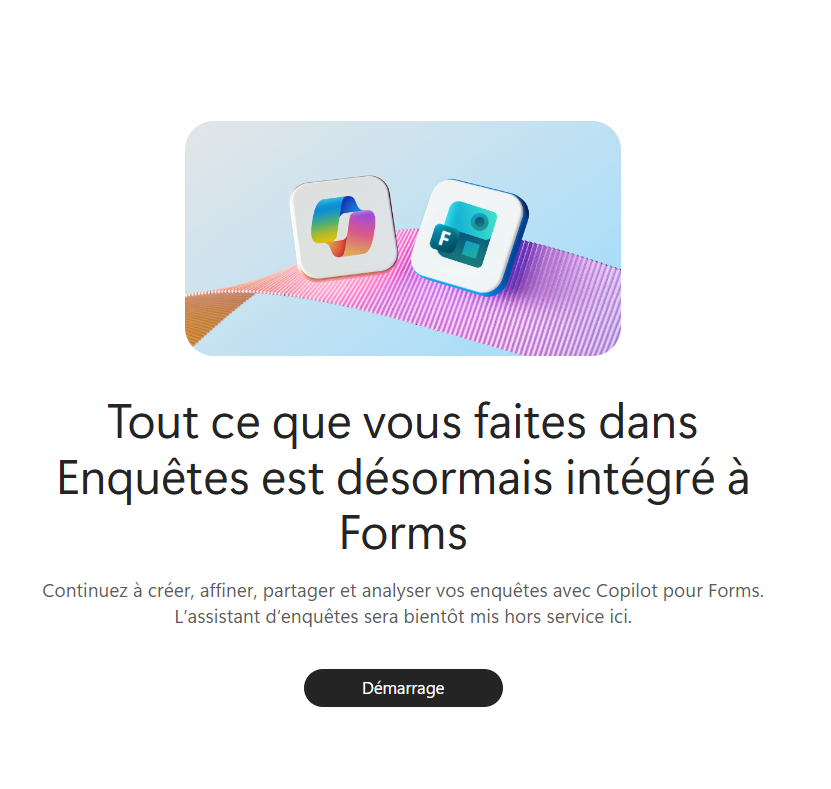
The official message: everything you did in Surveys is now integrated into Forms.
- 2The new entry point: Copilot in Forms
Open Microsoft Forms. Copilot supports you throughout the process: create, improve, send and analyze your forms.
The starting move is simple: « Start drafting », and you describe what you want to measure.
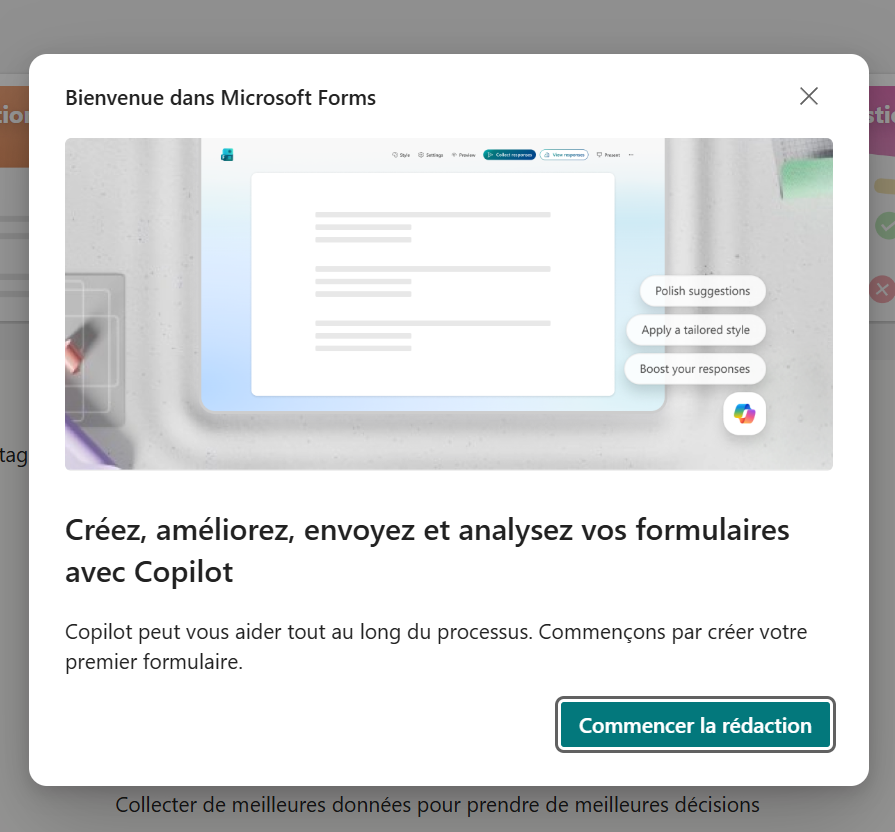
Copilot in Microsoft Forms: create, improve, send and analyze your forms.
- 3Create a survey by chatting
Describe your need in plain language (« a satisfaction survey after my training », « an engagement survey for my team »). Copilot generates a ready-to-use form draft.
Then you refine: ask it to improve the clarity and structure of the questions, or adjust the style. The video below shows the flow.
- 4Distribute and collect responses
When sending, you choose who can respond (everyone, only your organization, or specific people) and share the link, a QR code or an embed code.
Copilot also helps write the invitation message (« Rewrite with Copilot »), and you distribute via Outlook or a Teams channel to maximize the response rate.
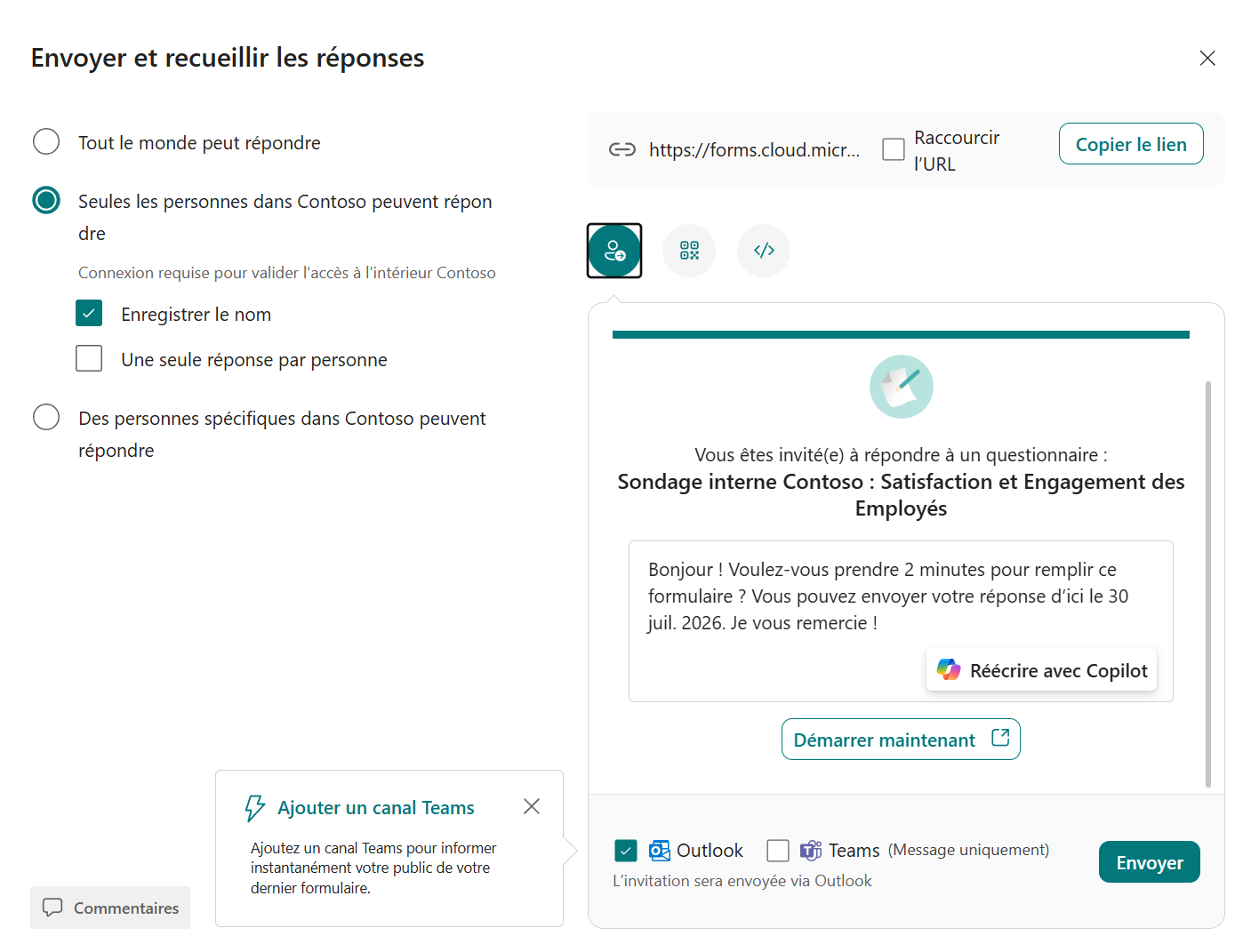
Sending: audience, link / QR / embed, invitation rewrite with Copilot, Outlook or Teams distribution.
- 5Analyze the results
Once responses are in, Copilot in Forms helps make the data talk: summary of feedback, trends, highlights. Enough to go from collection to decision without switching tools.
A few use cases: post-training evaluation, engagement survey, customer study, project feedback, or an NPS.
- 6What to remember
The Surveys Agent is going away, but nothing is lost: creating, improving, sending and analyzing your surveys now happens with Copilot, directly in Microsoft Forms. One place, from the first question to analyzing the responses.
The Surveys Agent is being retired: its capabilities are now in Copilot for Microsoft Forms. Availability of Copilot in Forms may depend on your license and your organization's configuration: check with your IT.
📚 Official sources
💬 Comments
No comments yet. Be the first!
✨ Discover more
PremiumThe Frontier program: early access to Microsoft Copilot
Frontier is your door to the next Copilot features, ahead of everyone else. Here's a clear rundown of this early-access program: what it is, who it's for, how IT turns it on (with screenshots), how to spot a Frontier feature with real examples, its benefits and its caveats.
 Premium
Copilot Search: find the right file using natural language
You know the document exists, but you just can't find it. Copilot's « Search » section scans all your enterprise content (SharePoint, Outlook, Teams…) and understands a request phrased in plain language. Filters, sources, recent or shared content, and even a prompt launched straight from a file: here's how to make the most of it.
PremiumThe Library and Pages: keep a memory of your work with Copilot
At the end of a prompt, Copilot can turn its answer into a « Page »: a living document you edit, enrich, export to Word or PDF, share, and even reload into a conversation to pick up where you left off. All your Pages (and generated images) live in one place: the Library.